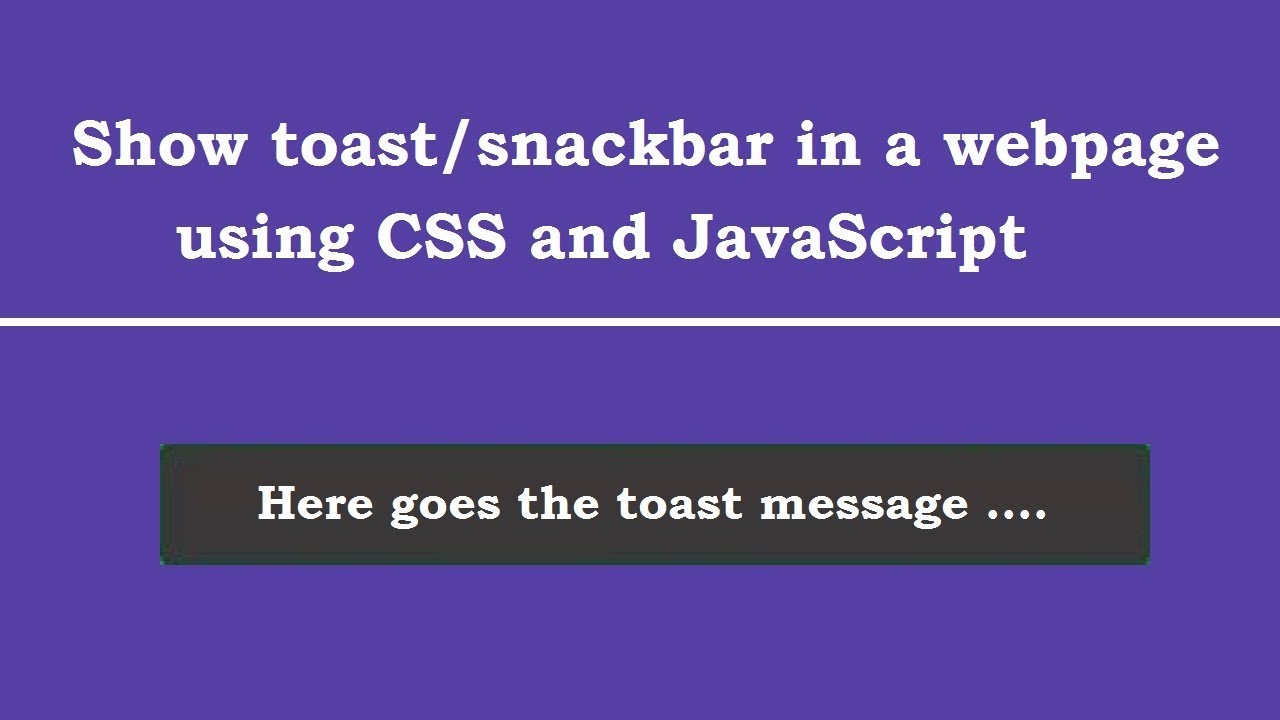
In this post, we will be learning to display a simple toast message or snackbar in a webpage using CSS, HTML and JavaScript.
<style>
  #snakbar{
    visibility:hidden;
    min-width:250px;
    margin-left:-125px;
    background-color:#333;
    color:#fff;
    text-align:center;
    border-radius:2px;
    padding:10px;
    position:fixed;
    z-index:1;
    left:50%;
    bottom:30px;
    -webkit-animation: fadein 0.5s, fadeout 0.5s 2.5s;
    animation: fadein 0.5s, fadeout 0.5s 2.5s;
  }
  #snackbar .show{
    visibility:visible;
  }

  @-webkit-animation-keyframes fadein{
    from{bottom:0;opacity:0}
    to{bottom:30px;opacity:1}
  }

  @keyframes fadein{
    from{bottom:0;opacity:0}
    to{bottom:30px;opacity:1}
  }

  @-webkit-animation-keyframes fadeout{
    from{bottom:30;opacity:1}
    to{bottom:0;opacity:0}
  }
  @keyframes fadeout{
    from{bottom:30;opacity:1}
    to{bottom:0;opacity:0}
  }
</style>


<button onclick="showToast();">Show Toast</button>
<div id="snackbar">Here goes the toast message</div>


<script>
function showToast(){
  var x = document.getElementById('snackbar');
  x.className = "show";

  setTimeout(function(){
    x.className = x.className.replace('show','');
  },3000);
}
</script>
Refer this video for complete guidance :