


Huge Potential for FDI in Nepal’s Mobility and Electric Vehicle Sector: NAIMA Nepal Mobility Expo 2026

August 12, Kathmandu. With the increasing use of electric vehicles (EVs) in Nepal, the mobility sector has begun to emerge as a new potential area capable of attracting foreign direct investment (FDI). Focusing on this potential, the 'NAIMA Nepal…
What is the foreign currency exchange rate for Wednesday?
27 Saun, Kathmandu. Nepal Rastra Bank has published the exchange rates for various foreign currencies for Wednesday. According to the rates published by the central bank, the buying rate for the US Dollar is 152 rupees 40 paisa and the selling rate is…
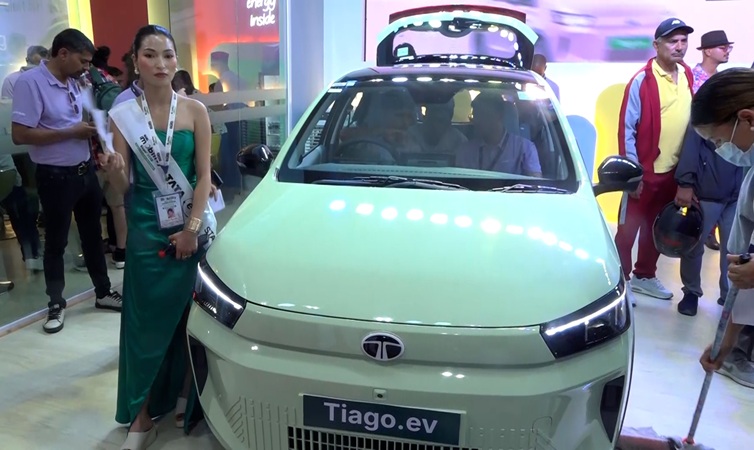
BYD’s Upgraded Series Unveiled at Naima Expo, Emphasizing Safety and Convenience
August 12, Kathmandu. BYD has showcased its upgraded Atto series at the 'Naima Mobility Expo 2026', which commenced today at Bhrikutimandap in Kathmandu. Atto 1, Atto 2, and Atto 3 are on display. On the occasion of the expo, Rojhan Maharjan, manager of…
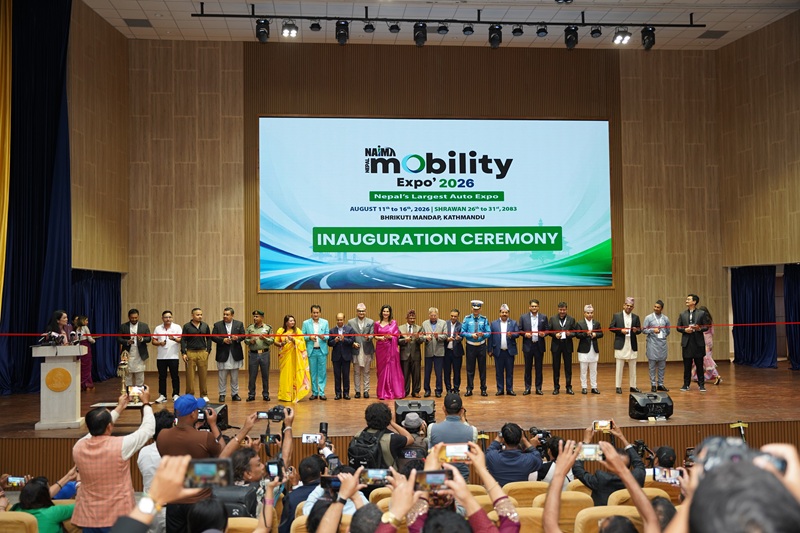
Naima Nepal Mobility Expo 2026 Inauguration: Over 29,000 Visitors on First Day
August 11, Kathmandu. The 'Naima Nepal Mobility Expo 2026' has been grandly inaugurated. The expo, organized by the Nepal Automobiles Importers and Manufacturers Association (Naima), was inaugurated on Tuesday morning with a special formal ceremony at…
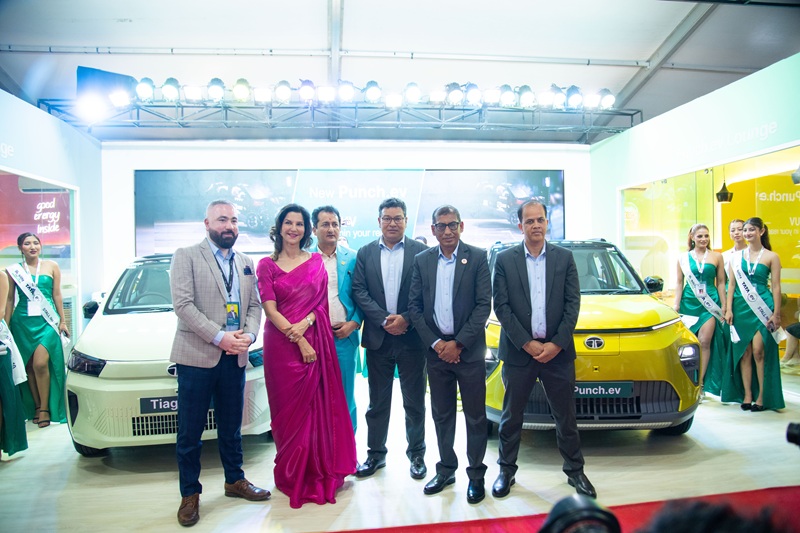
Tata’s New Punch EV and Tiago EV Launched at ‘Naima Mobility Expo 2026’
August 11, Kathmandu. Sipradi Trading Pvt. Ltd., the official distributor of Tata Motors for Nepal, has launched the new ‘Punch EV’ (Punch.ev) and new ‘Tiago EV’ (Tiago.ev) at the ongoing ‘Naima Nepal Mobility Expo 2026’ at Bhrikutimandap in Kathmandu.…
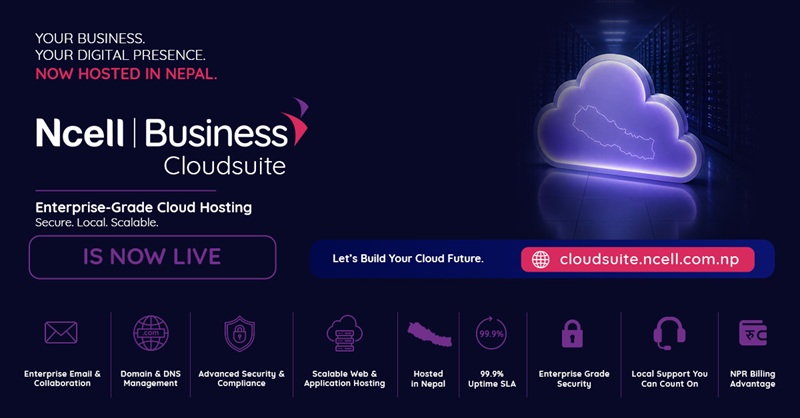
Ncell Business to Provide Facilities Including Web Hosting and Domain Services
August 11, Kathmandu. Ncell has launched the Ncell Business CloudSuite service. This is a locally supported platform that provides domain registration and professional web hosting services in one place. This service targets businesses, startups,…
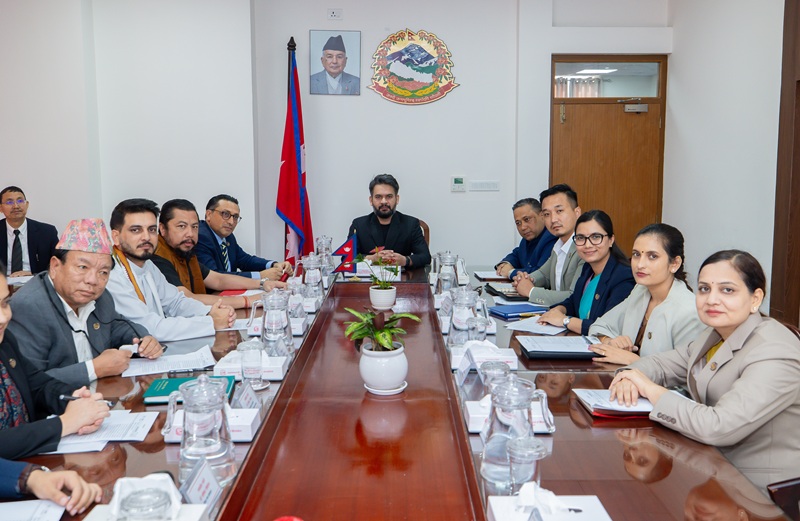
5 Cabinet Decisions: From Public Release of Ncell Investigation Report to Declaration of Four Martyrs
August 11, Kathmandu. The meeting of the Government of Nepal's Cabinet held today made five important decisions. The meeting held on Tuesday decided to fully exempt clean infrastructure investment fees and Value Added Tax (VAT) on ambulances and hearse…
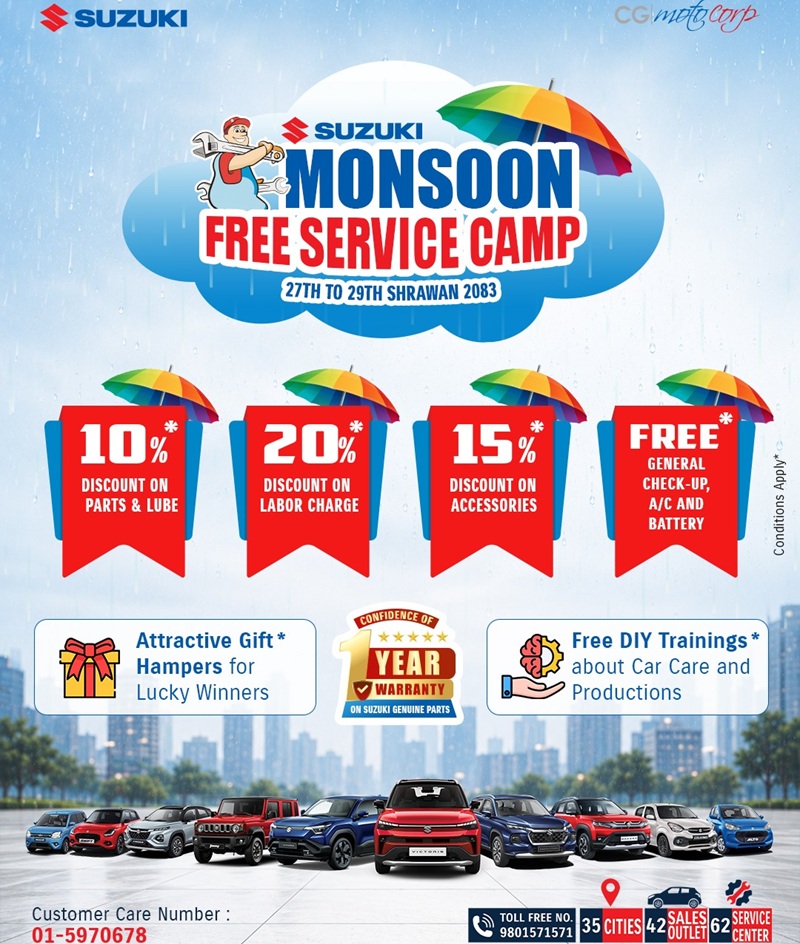
Suzuki “Monsoon Service Camp” — at Suzuki Service Centers Nationwide
July 10, Kathmandu. CG Motocorp, the automobile division of CG Holdings and the authorized distributor of Suzuki vehicles in Nepal, is organizing a special “Monsoon Free Service Camp” at all Suzuki Service Centers nationwide from July 11 to 13, 2026…
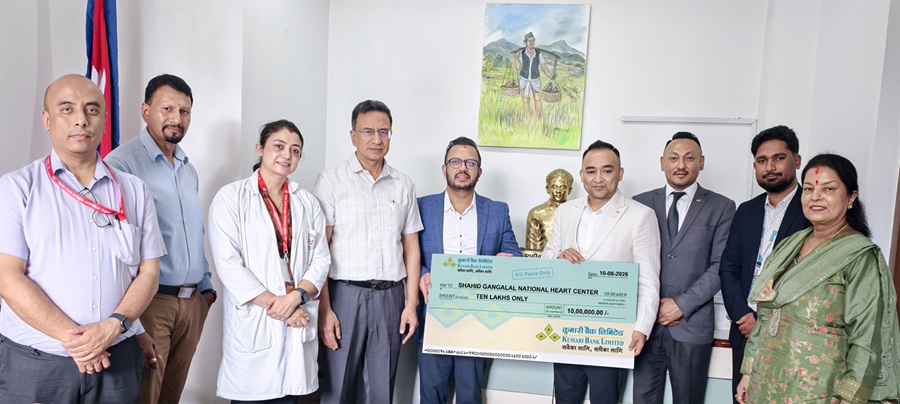
Financial Support to Shahid Gangalal National Heart Center by Kumari Bank
August 11, Kathmandu. Kumari Bank Limited has provided financial assistance of Rs. 1 million to Shahid Gangalal National Heart Center under its corporate social responsibility program for strengthening intensive care services for newborns and children.…
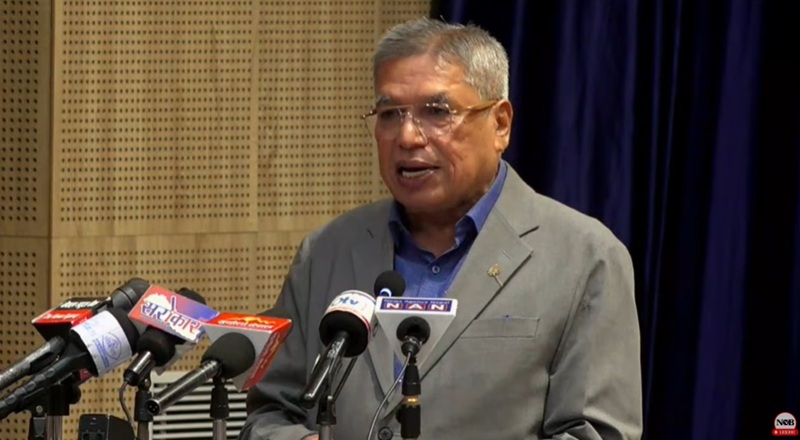
Mobility sector should be recognized as an engine of economic development: Chairman Agrawal
August 11, Kathmandu. Kamlesh Agrawal, President of the Nepal Chamber of Commerce, stated that the mobility sector should not be viewed merely as a luxury or consumption sector, but rather as an engine of economic development. Speaking on Tuesday at the…
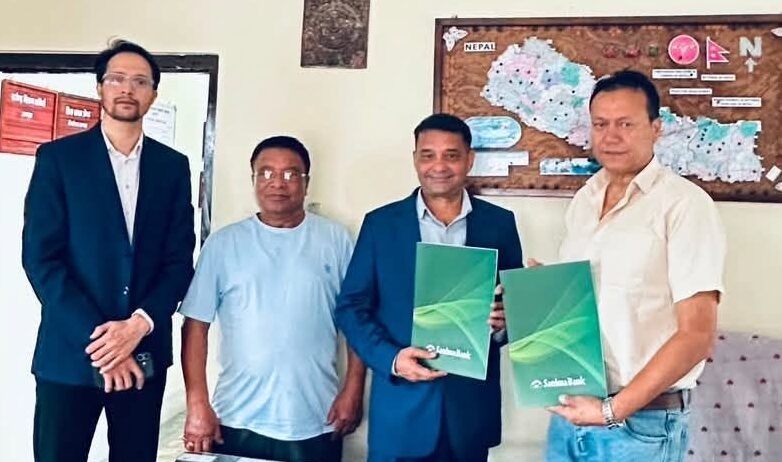
Agreement Between Truck Operators and Sanima Bank: Nagdhunga Tunnel Road Fee Now Payable by QR
August 10, Kathmandu. As preparations are underway for the operation of the Nagdhunga-Sisnekhola tunnel road, an initiative has been taken to make the tunnel usage fee cashless. An agreement has been signed between the Nepal Truck Transport Entrepreneurs…
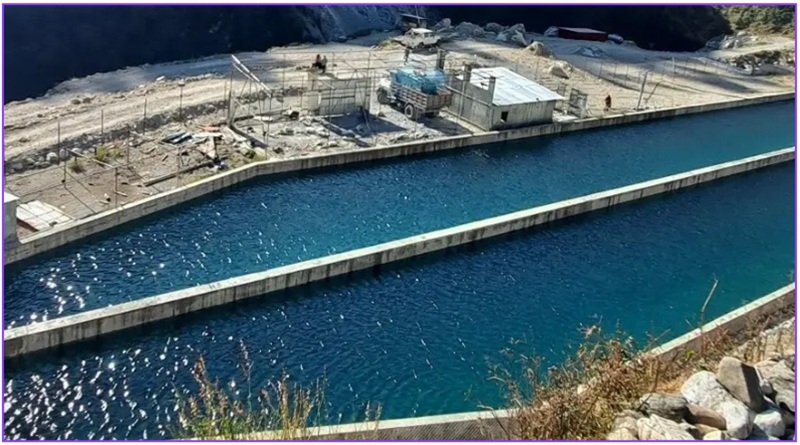
Sanigad Hydro’s Profit Surges as Financial Expenses Decrease, EPS NRs 9.33
August 11, Kathmandu. Sanigad Hydro Limited's profit increased by nearly four times by the fourth quarter of the last fiscal year, following the company's success in significantly reducing financial expenses. According to the financial statements…
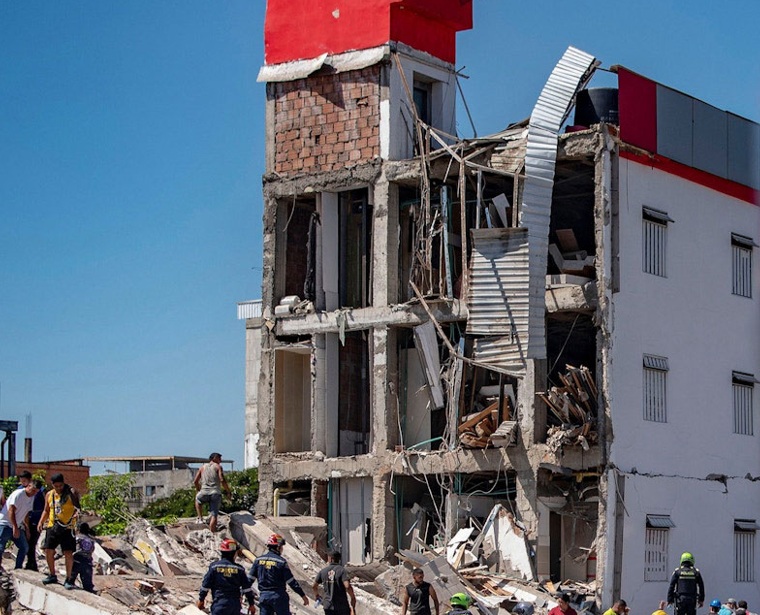
Powerful 7.4 Magnitude Earthquake in Colombia: 132 Dead, 570 Injured
August 11, Kathmandu. At least 132 people have died and 570 have been injured when a powerful 7.4 magnitude earthquake struck the South American country of Colombia on Monday morning. According to international media, the Colombian Association of Capital…
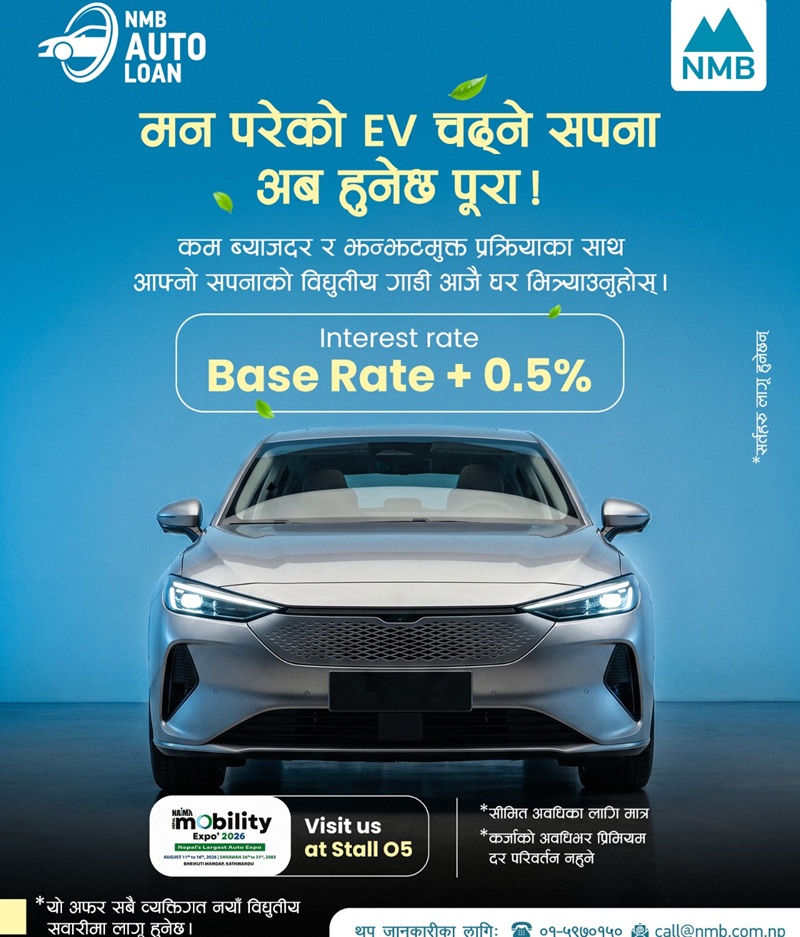
NMB Bank’s EV Auto Loan: New Electric Vehicles at Base Rate + 0.5 percent
26 Saun, Kathmandu. NMB Bank Limited has introduced a loan facility at a special interest rate of Base Rate + 0.5% (starting from Base Rate + 0.5%) for new electric vehicles (New EV), targeting the NAIMA Auto Expo. With the objective of promoting…
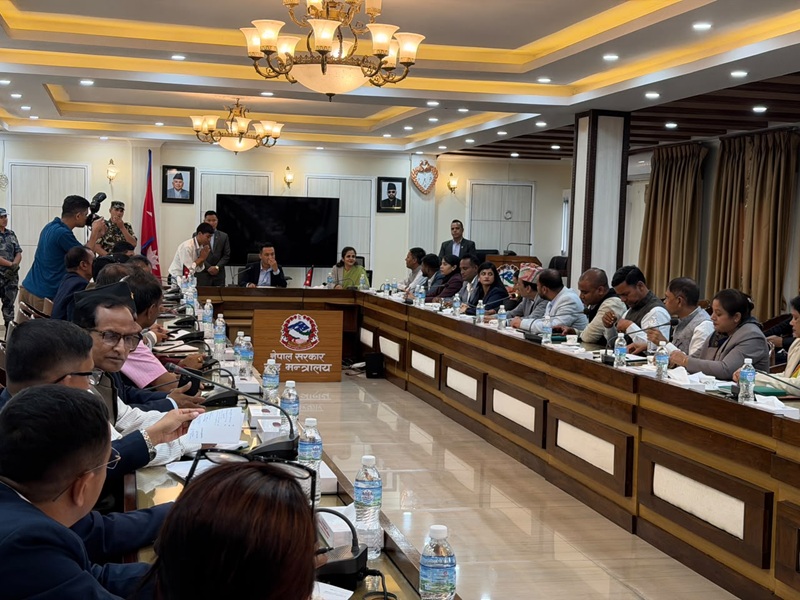
Home Minister Gurung and Industry Minister Yadav in Joint Discussion with MPs on Latest Madhesh Incident
26 Saun, Kathmandu. Home Minister Sudhan Gurung and Minister for Industry, Commerce and Supplies Gauri Kumari Yadav held a joint discussion with Members of Parliament from various political parties in Madhesh regarding the movement seen in Madhesh…