


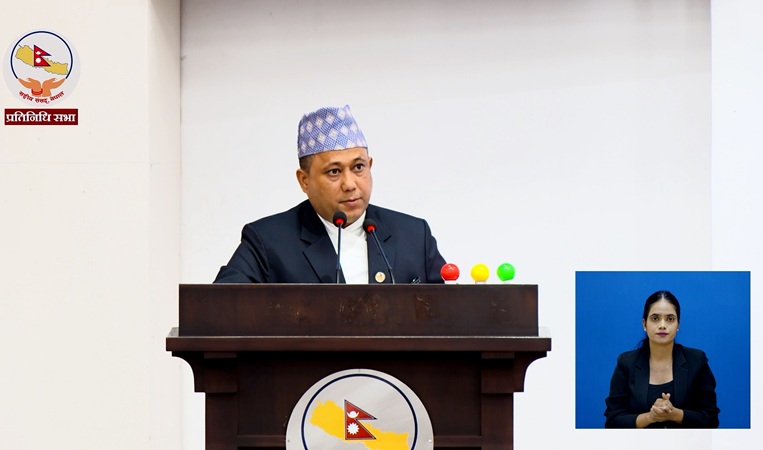
We are serious about preserving the historical documents of the Ministry of Foreign Affairs: Minister Khanal

August 10, Kathmandu. Foreign Minister Shishir Khanal stated that the government has seriously advanced the preservation of historical documents, papers, facts, and evidence located in the Ministry of Foreign Affairs. Responding to questions raised by…
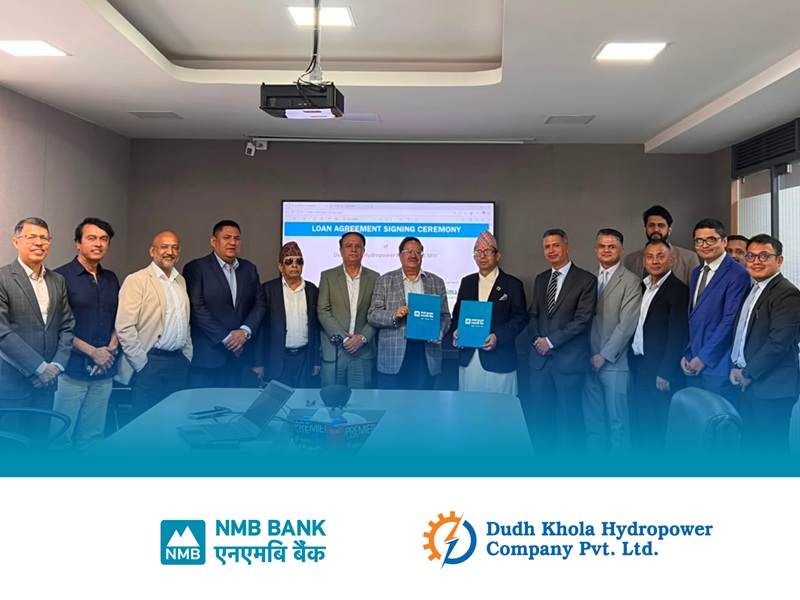
NMB Bank Leads Financial Management of Dudh Khola Hydropower Project
25 Saun, Kathmandu. NMB Bank Ltd. has taken the lead as the main investor and managed the financial aspects of the 65 MW Dudh Khola Hydropower Project located in Manang District. The Dudh Khola Hydropower Project, currently under construction in Manang…
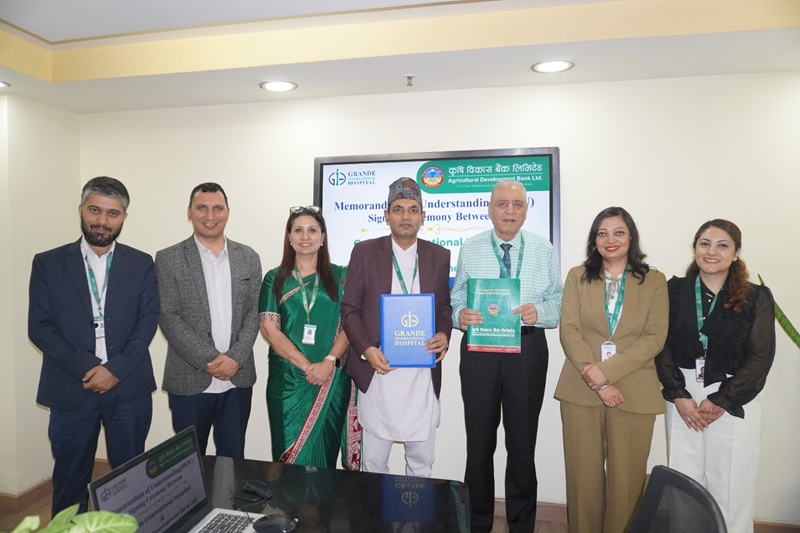
Bilateral Agreement Between Agricultural Development Bank and Grande International Hospital
August 10, Kathmandu. A Memorandum of Understanding (MoU) has been signed between Agricultural Development Bank Limited (ADBL) and Grande International Hospital (GIH) located in Tokha, Kathmandu, regarding the provision of special discounts and…
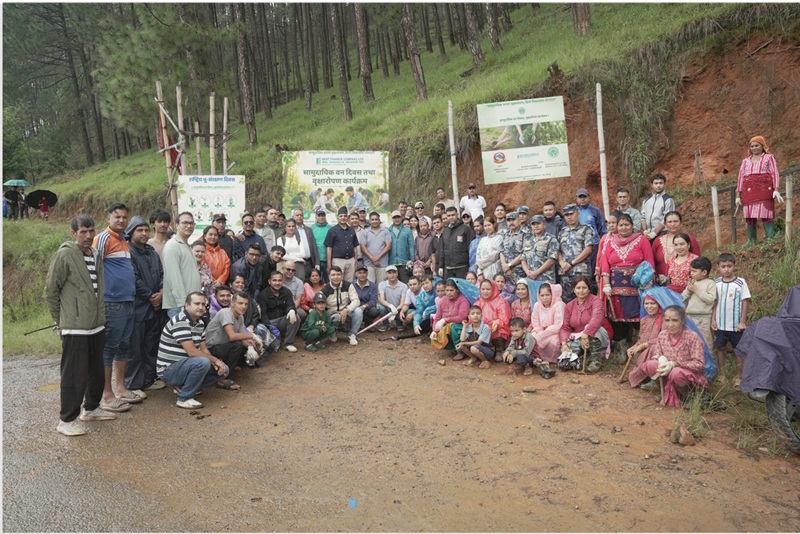
West Finance Completes ‘Green Savings’ Deposit Scheme and Tree Planting Program for a Green Future
25 Saun, Kathmandu. With the objective of implementing the "Nepal Green Finance Taxonomy, 2024" issued by Nepal Rastra Bank and promoting Green Finance, West Finance has launched the "Green Savings" deposit scheme. Under this deposit scheme, the…
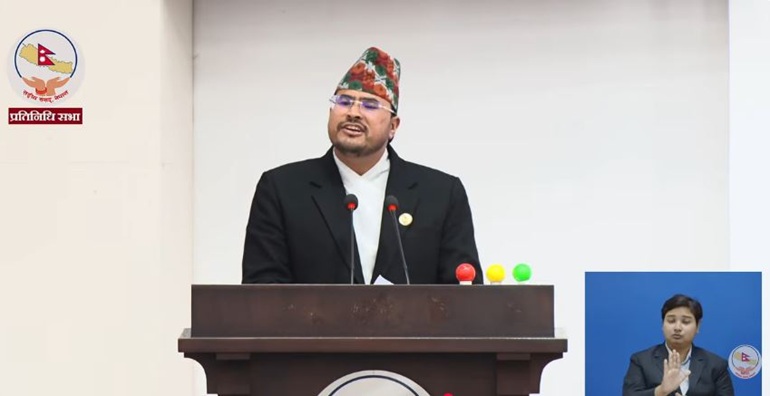
Gyanendra Shahi’s comment on the explicit video: ‘If proven, I will resign from my parliamentary post’
August 10, Kathmandu. Gyanendra Shahi, an MP from the Rastriya Prajatantra Party (RPP), has challenged for the truth to be uncovered through health examination and investigation regarding the accusations leveled against him of consuming alcohol and…
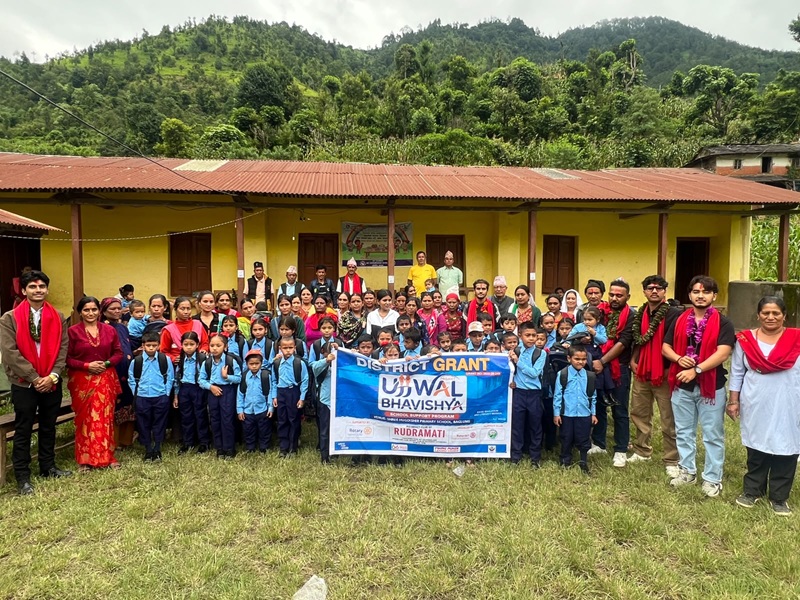
‘Ujjwal Bhavishya’ Campaign by Rotaract Club of Rudramati for Students’ Bright Future
25 Saun, Kathmandu. Rotaract Club of Rudramati has launched 'Project Ujjwal Bhavishya' by providing educational materials to students at Shree Hugdishir Primary School, located in Ward 2 of Bareng Rural Municipality, Baglung. On Saturday, necessary…
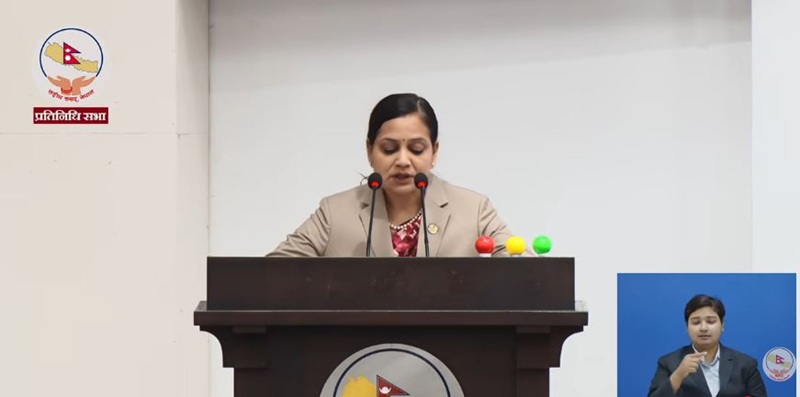
Construction of Dhalkebar Trauma Center Will Not Stop, Trauma Unit to be Immediately Operated in Lahan
August 10, Kathmandu. While protests are ongoing demanding the construction of the proposed trauma center in Dhalkebar, Dhanusha, Health and Food Hygiene Minister Nisha Mehta has clarified that the construction process of the Dhalkebar Trauma Center will…
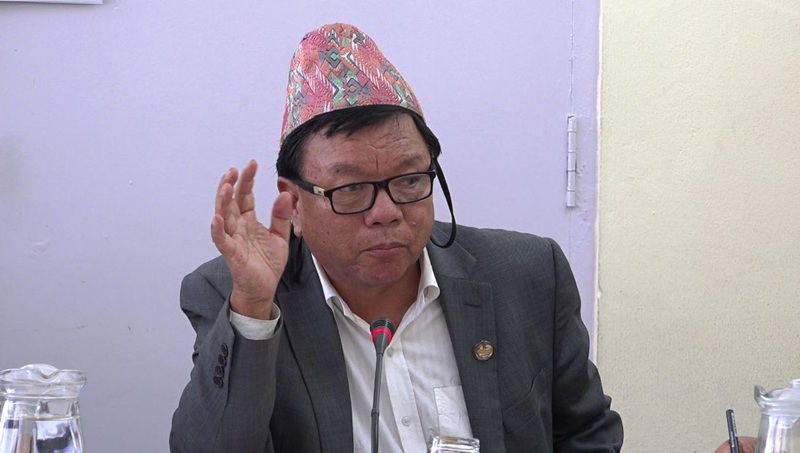
Minister Pun Suggests Prioritizing Inclusive Appointments at National Forensic Science Laboratory
25 Saun, Kathmandu. At the meeting of the Education, Health and Information Technology Committee, the National Forensic Science Laboratory (Establishment and Operation) Bill, 2081, has been discussed. During the discussion, Minister of Science,…
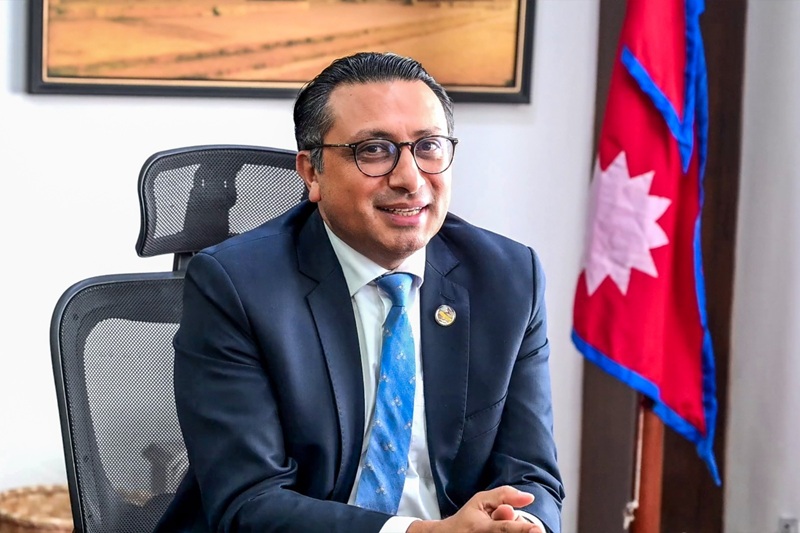
Finance Minister Dr. Swarnim Wagle to Discuss with Representatives of 20 Major Multinational Companies in Nepal
August 10, Kathmandu. Finance Minister Dr. Swarnim Wagle is holding discussions today with the directors of multinational companies that have invested in Nepal. He is scheduled to hold discussions with 20 major taxpayer multinational companies that have…

Pathao Commerce Launched to Digitalize Businesses: Chat, Order, and Delivery in One App
August 10, Kathmandu. Pathao, which has been coordinating the delivery of goods across Nepal for over 12,000 businesses through Pathao Parcel, has now launched 'Pathao Commerce,' a digital business management system, for Nepali online businesses. This…
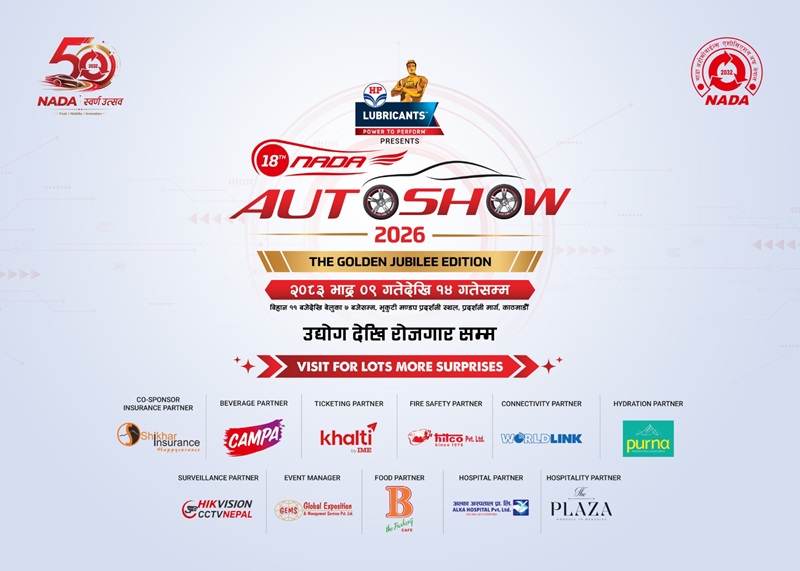
NADA Celebrating Golden Jubilee: 18th ‘NADA Auto Show’ from Bhadra 9, 200 Stalls at Bhrikutimandap
25 Shrawan, Kathmandu. On the eve of its Golden Jubilee, NADA Automobiles Association of Nepal is going to organize the 18th edition of 'H.P. Presents NADA Auto Show 2026', the largest and most prestigious fair in the Nepali automobile sector. This grand…
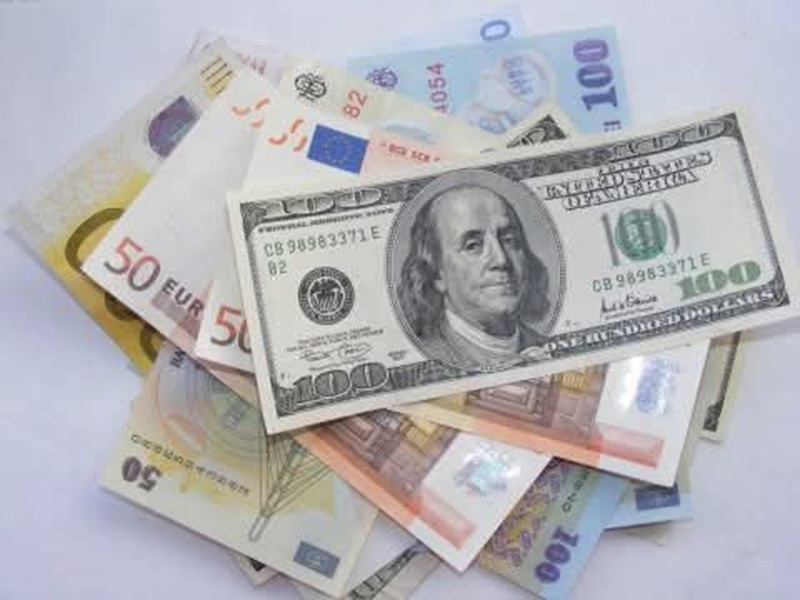
What is the foreign currency exchange rate for Monday?
August 10, Kathmandu. Nepal Rastra Bank has announced the exchange rates for various foreign currencies for Monday. According to the rates announced by the central bank, the buying rate for the US Dollar is 152 rupees 04 paisa and the selling rate is 152…

Possibility of rain across the country today, with heavy to very heavy rainfall in some places
August 10, Kathmandu. The Department of Hydrology and Meteorology (DHM) has stated that due to the influence of monsoon winds across the country, there is a possibility of rain in most places today. According to the Department, the monsoon low-pressure…
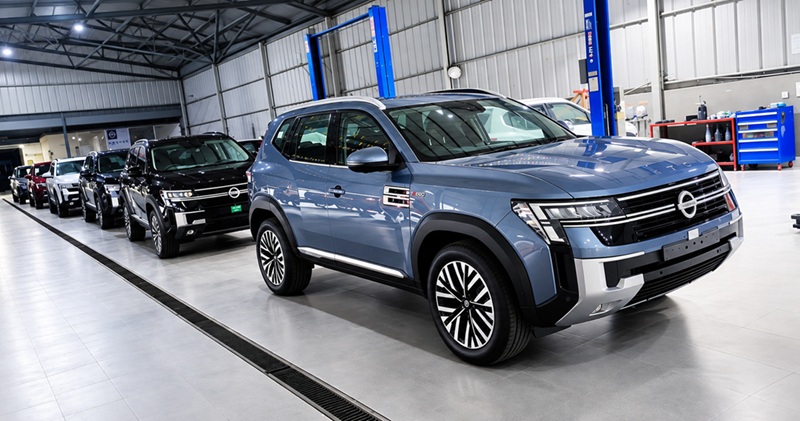
Nissan TEKTON Launching in Nepal on August 11 at NAIMA Mobility Expo 2026
August 9, Kathmandu. Pioneer Moto Corp Pvt. Ltd., the official distributor of Nissan vehicles in Nepal, has announced the launch of the new Nissan TEKTON in Nepal through the NAIMA Mobility Expo 2026. TEKTON's Nepal debut will take place on August 11,…
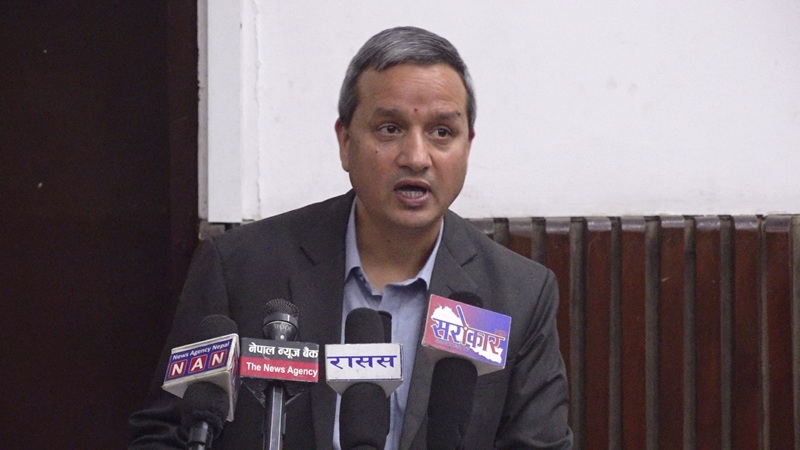
Good Governance and Prosperity Challenging If Economic Growth Isn’t Inclusive: Dr. Gunakar Bhatta
August 9, Kathmandu. Dr. Gunakar Bhatta, Vice-Chairman of the National Planning Commission, said that unless broad-based and inclusive economic growth is achieved, it will be challenging to achieve the goals of good governance, social justice, and…