




AI in Vehicles and Road Challenges: Where is Nepal in the Race of Technology?
August 15, Kathmandu. Stakeholders have stated that while Nepal's automobile sector is rapidly advancing towards electric and digital technologies, the country still lags behind in developing corresponding infrastructure, data management, research,…
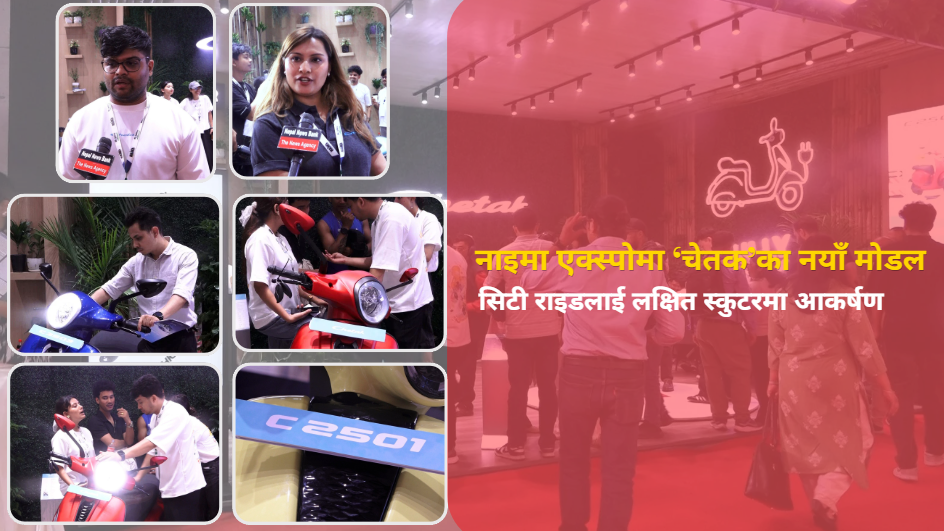
Chetak Unveils New Scooters at Naima Expo; C 2501 Draws Visitor Attention for City Rides
August 15, Kathmandu. Electric scooters and motorcycles have garnered the attention of visitors at the ongoing Naima Nepal Mobility Expo 2026 in Bhrikutimandap, Kathmandu. Following the launch of two new models by the 'Chetak' brand at the expo, visitors…

Major Change to Instagram’s Branding After 10 Years, What Does the New Logo Look Like?
August 15, Kathmandu. Social media platform Instagram has changed its wordmark logo after 10 years. Instagram, owned by Meta, has revised the letter design in the new logo, making it more modern and clear. Instagram head Adam Mosseri unveiled the new…
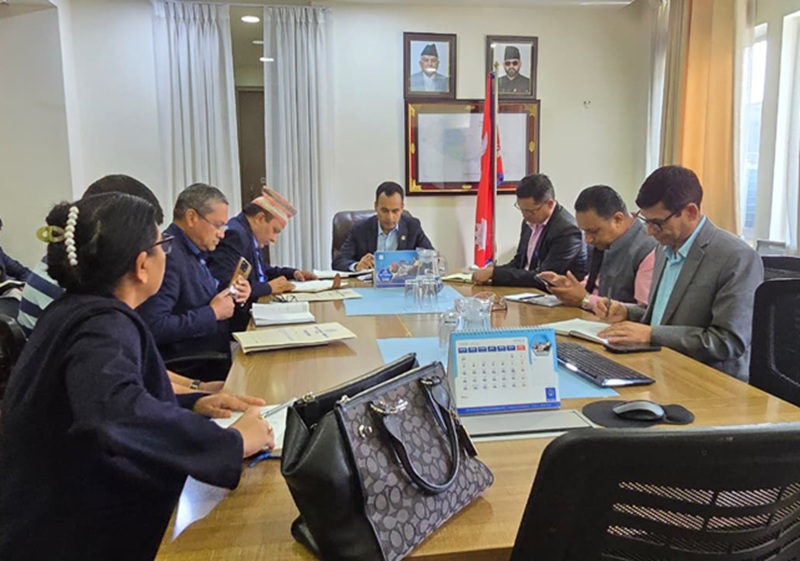
Directive to Nepal Telecom and Telecommunications Authority on 4G, Fiber Expansion, and RTDF Fund Utilization
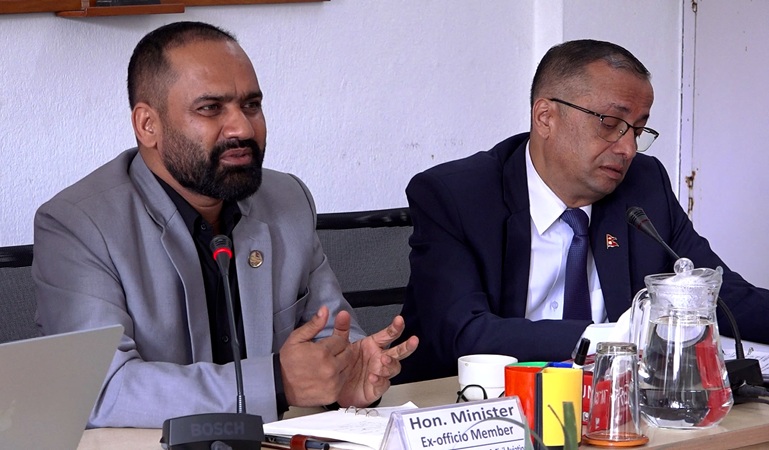
30 Shrawan, Kathmandu. Minister of Information and Communication, Dr. Bikram Timilsina, has instructed relevant bodies to prioritize expanding access to telecommunication services along with improving their quality. During discussions today at the…
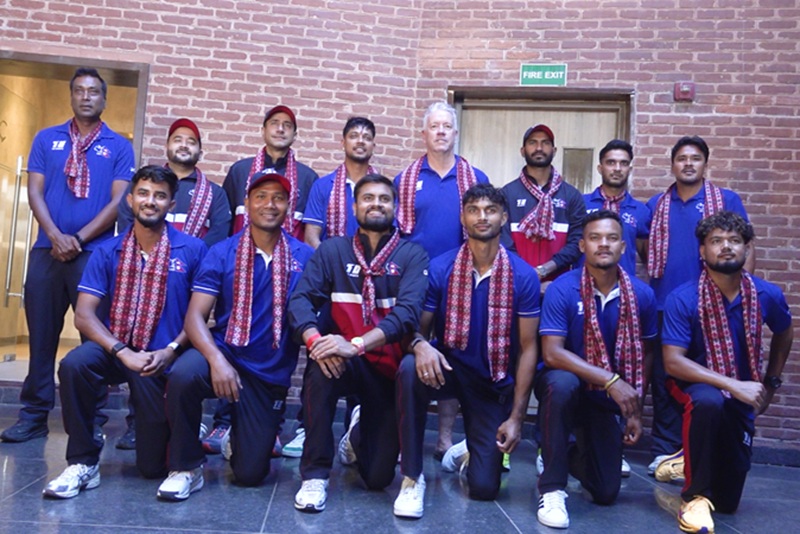
Farewell to the Nepali team playing the ACC Premier Cup, Trust in Sandeep
August 16, Kathmandu. The Cricket Association of Nepal (CAN) has bid farewell to the Nepali national cricket team that will play the ACC Men's Premier Cup to be held in Malaysia. The Nepali team, captained by Sandeep Lamichhane, will depart for India on…
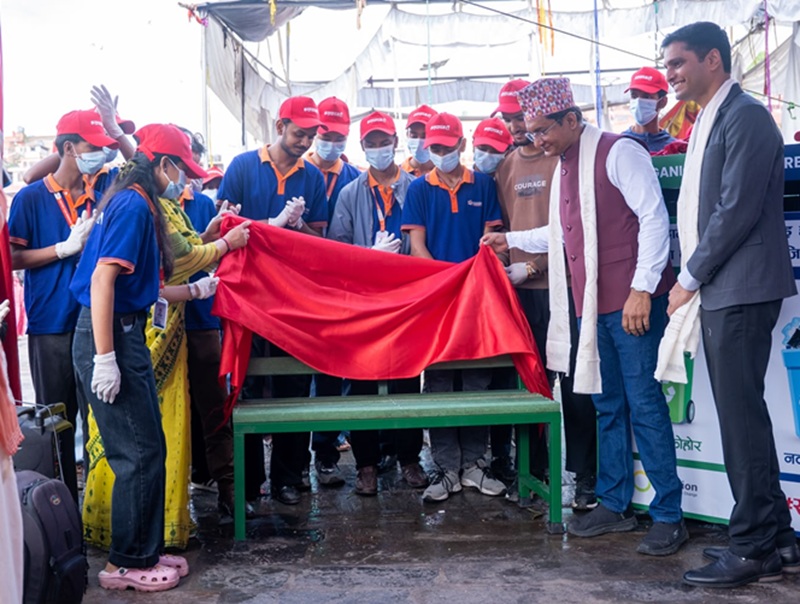
Pashupatinath’s ‘Let’s Clean’ Campaign Concludes: Ended with Participation of Over 500 Volunteers
August 14, Kathmandu. Pashupatinath's ‘Let's Clean’ campaign concludes, with over 500 volunteers participating: The month-long cleanliness campaign, run by Creation Nepal, concluded with the support of The Coca-Cola Foundation and in collaboration with…
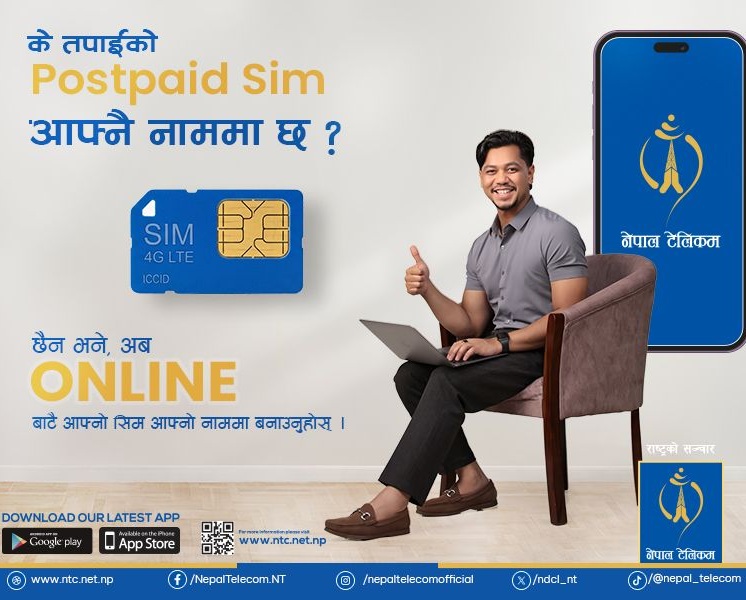
Nepal Telecom GSM Postpaid Online Ownership Transfer: Now fill details from home [Complete Process]
29 Saun, Kathmandu. Nepal Telecom's GSM postpaid mobile customers can now fill in all the necessary details for ownership transfer online. To transfer a postpaid SIM card registered in one person's name to another person's name, customers will only need…
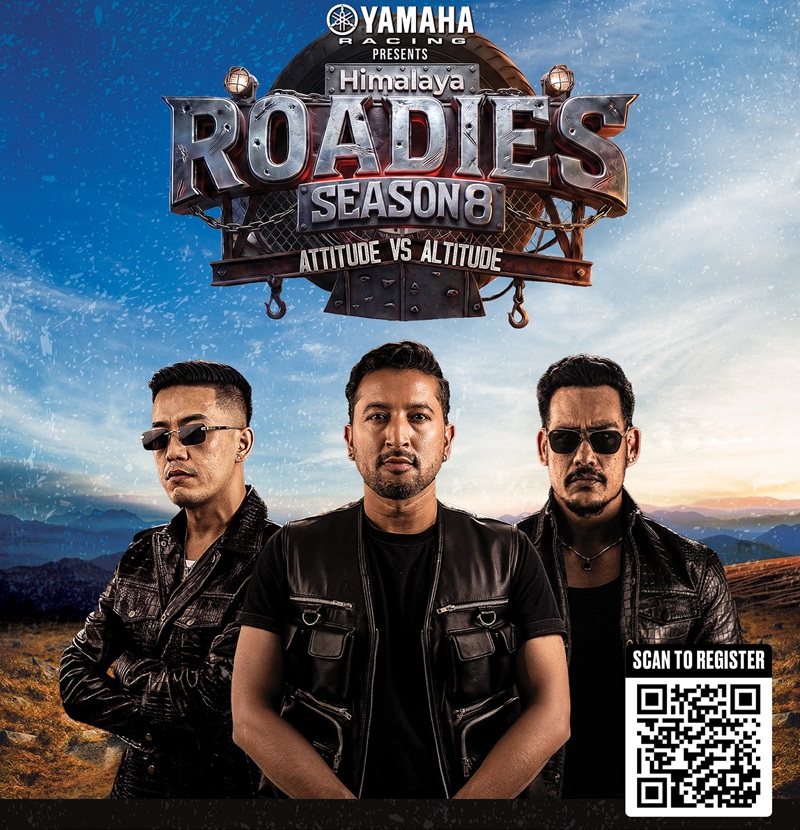
Yamaha Himalaya Roadies Season 8 Pre-Audition Announced: Get a Blue Ticket and Direct Entry
August 14, Kathmandu. Yamaha Racing, the title sponsor of Himalaya Roadies, has announced pre-auditions for Himalaya Roadies Season 8, which is set to be presented in collaboration with Mountain Dew under this year's new theme, 'Attitude Versus…
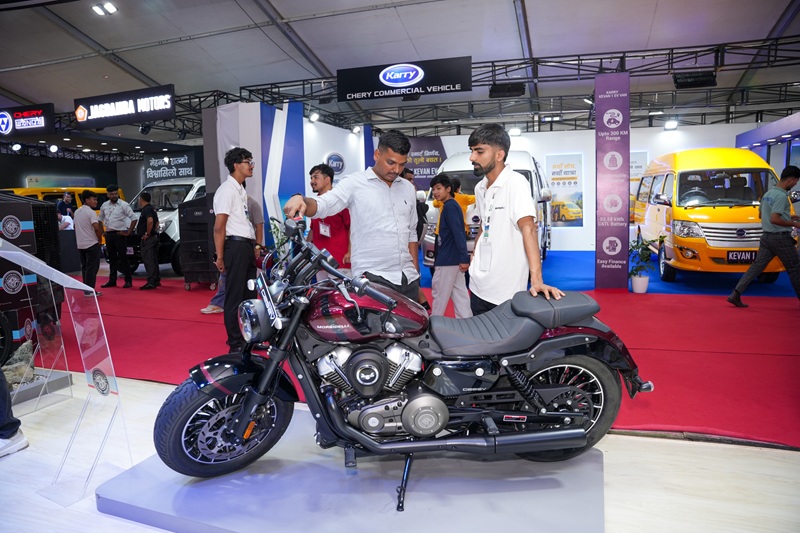
Over 100,000 Visitors in 4 Days at the Ongoing NAIMA Expo in Bhrikutimandap, Special Preparations for Further Attraction
August 14, Kathmandu. Due to the unexpected increase in attraction at the ongoing ‘NAIMA Nepal Mobility Expo 2026’ in Bhrikutimandap, Kathmandu, special preparations have been made for the holiday days. The organizer, Nepal Automobiles Importers and…

Students of British Model College Achieve Excellent Cambridge Exam Results
August 14, Kathmandu. British Model College (BMC), an institution under the British Education Group and a sister institution of The British College, has achieved excellent results in the Cambridge International AS and A Level examinations. Out of 106…
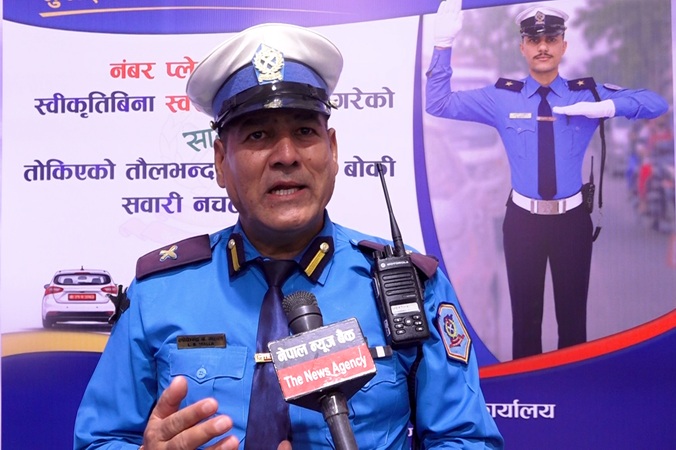
Traffic Police Awareness Video at Naima Expo: ‘Housefull’ like a movie theater
July 14, Kathmandu. The Kathmandu Valley Traffic Police Office is conducting a traffic awareness program at the 'Naima Nepal Mobility Expo 2026' ongoing in Bhrikutimandap, Kathmandu. Targeting the Naima Expo 2026, significant public participation has…

Koshi Province’s First ‘Hikvision Experience Expo 2026’: A New Era of Security Technology
August 14, Kathmandu. The 'Hikvision Experience Expo 2026 – Koshi Edition', a large-scale exhibition focused on modern and Artificial Intelligence (AI)-powered security systems, is set to be held for the first time in Koshi Province. This expo is being…
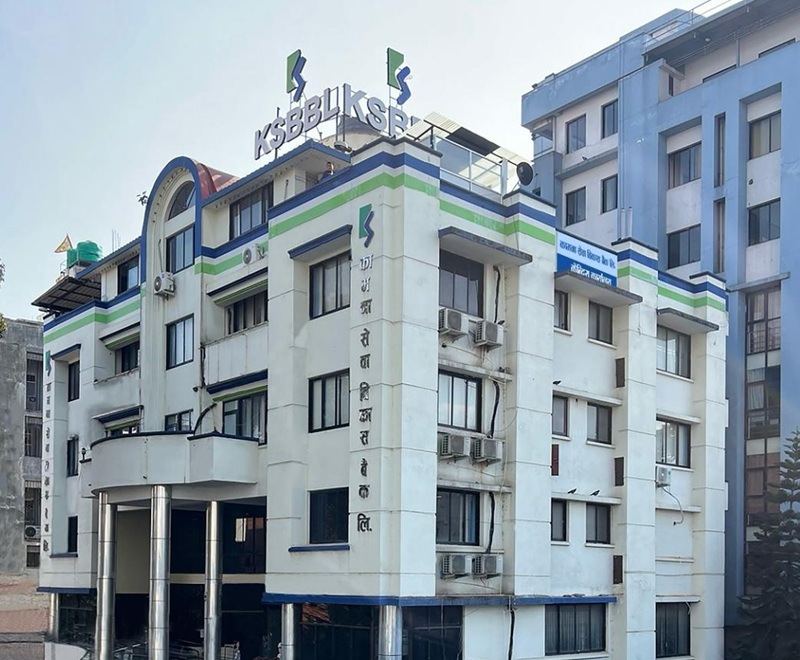
Kamana Sewa Bikas Bank customers can easily participate in lucky draws through mobile banking
29 Saun, Kathmandu. Kamana Sewa Bikas Bank Limited has linked its digital payment facility through its mobile banking app with the 'Taxpayer Incentive Gift Program,' which is being operated by the Inland Revenue Department under the Ministry of Finance,…
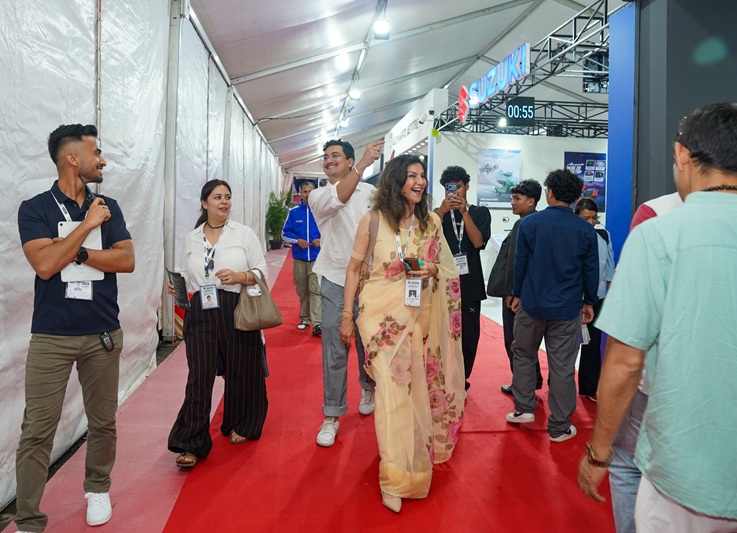
NAIMA Nepal Mobility Expo 2026 Draws Huge Crowds Despite Heavy Rain: Over 77,000 Attendees in 3 Days
August 14, Kathmandu. Despite heavy rainfall, an enthusiastic presence and crowd of visitors has been observed at the ongoing ‘NAIMA Nepal Mobility Expo 2026’ at Bhrikutimandap in Kathmandu. By the third day of this expo, organized by the Nepal…
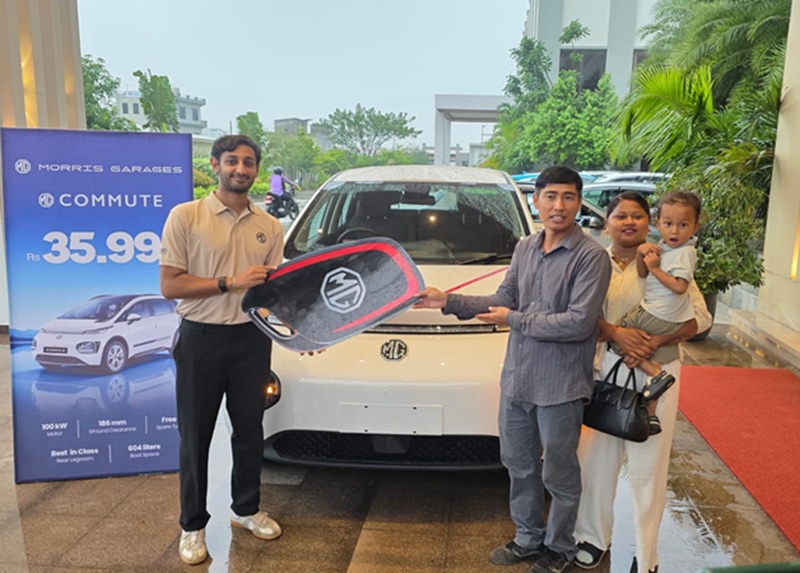
50 MG Windsor Commute EVs Introduced to EDrive Nepal to Transform Nepal’s Fleet Service
August 14, Kathmandu. In a significant achievement for Nepal's rapidly expanding electric vehicle (EV) sector, a landmark commercial agreement has been concluded between GO Automobiles Pvt. Ltd., the official distributor of JSW MG Motor India, and E…